Can a clinic queue system be customised to our workflow?
Yes. Every centre that subscribes to QueueCare can ask for features built around its own workflow in its first month, at no extra cost, within a scope agreed in writing.
By ATA ATA, practising optometrist · Last updated:
What does customising a queue system mean here?
It means building what your centre needs, not only configuring what already exists. Most queue systems are set up from their own menus, and the clinic adapts to whatever those menus cannot do. QueueCare adds a second step. In the first month after a centre subscribes, the month we spend setting it up, introducing it to the team and training reception, the centre can ask for things the product does not do yet, and we build them.
It is included in Pro and Ultra. There is no development fee and no separate contract. The scope is agreed with the centre in writing before any work starts.
What have we built for centres so far?
Two builds so far, each for one centre and at its request. We describe what we built, not who asked for it: what a centre commissions from us is its own business.
| What a centre asked for | What became of it |
|---|---|
| The patient database on the centre's own server, linked to the queue; a daily ledger with financial reports for the front desk | Both remain that one centre's alone. |
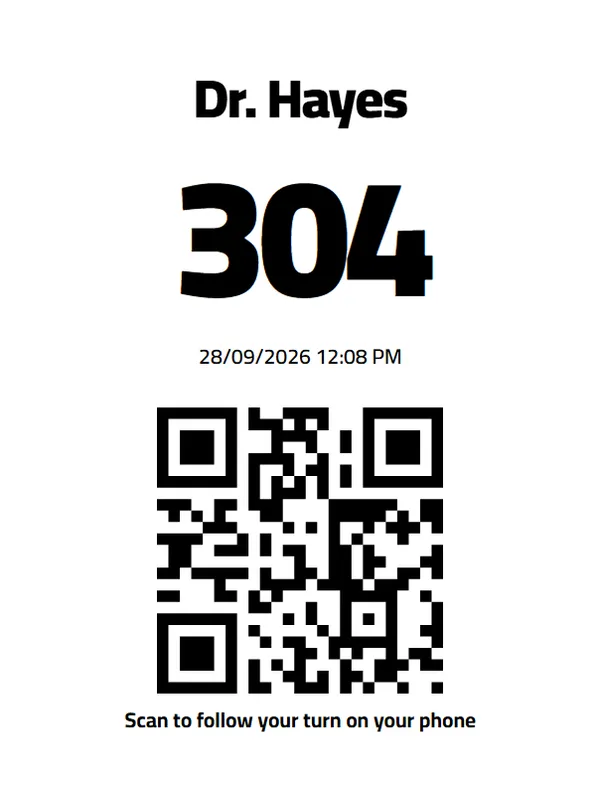
| Numbered tickets printed at the desk; calls read aloud on the waiting-room screen in a natural-sounding voice | Both are now part of every plan. |
How does the first month work?
It follows the order in which a new centre meets the product:
- Setup: we create the centre with you, with its doctors, rooms, reception desks and screens.
- Introduction and training: reception and the doctors work real days on it, with us on hand.
- Your list: whatever does not fit the way your centre works goes on a written list.
- Scope: we agree what will be built, and say plainly when something cannot be done.
- Build: we build what was agreed and switch it on for your centre. The delivery date is agreed with the scope.
What does the offer not cover?
Unlimited development. The scope is agreed, and we turn down requests that cannot be done well or safely, such as anything that would let one centre see another's data.
Exclusivity for ever. A feature built for one centre may later be offered to every centre, as the printed tickets and spoken calls were. Your centre's data is never shared.
The free trial. The 30-day trial is for trying QueueCare as it is; building starts in your first month after subscribing. Requests after that month are considered case by case.
Questions clinics ask before they start
Does building custom features cost extra?
No. In the first month after subscribing it is included in Pro and Ultra, within the scope agreed in writing.
Can we ask for custom features during the free trial?
Tell us what you need while you try it; the building itself starts in your first month after subscribing.
Will other centres get the feature we asked for?
They may. A feature built for one centre can later become part of every plan, as the numbered tickets and spoken calls did. Your data is never shared with anyone.
What if what we need cannot be built?
We say so before any work starts, and explain why. Nothing is promised until the scope is agreed in writing.
Related guides
- Can a queue system connect to the patient database we already have?
Often, yes — QueueCare ships a local bridge that reads an on-premise SQL Server or Oracle database, so file numbers and names come across instead of being retyped.
- How do you print sequential ticket numbers for a patient queue?
Connect a 58 mm or 80 mm thermal receipt printer to the reception computer and let the queue system print the next number for the chosen doctor. In QueueCare each doctor's line counts up from its own starting number, restarts every day, and never issues the same number twice — even when a patient moves to another doctor.
- How long does it take to set up a clinic queue system?
A clinic is usually taking real patients the same morning. Add your doctors, rooms and desks, print the QR code for the door, and open the screen URL on the television.
See it with your own queue in it.
Open the demo and you are standing inside a working clinic — doctors mid-session, patients in line, screens calling names. Nothing to install, nothing to sign.
Open the live demo