What should I ask before choosing a clinic queue system?
Five things decide whether a queue system fits a clinic. Where the security check happens, what hardware you are buying, what the patient without a smartphone gets, how many can work the queue at once, and what three years cost.
By ATA ATA, practising optometrist · Last updated:
1. Where does the authorisation happen?
Ask whether a request for another clinic's data is refused by the server or merely hidden by the interface. It sounds technical and it is the single most important answer in the list.
If the browser decides what you may see, then anyone who opens the developer console can ask for something else and the server will answer. This is the most common way a small clinic system leaks patient data, and it is invisible from a demo. A vendor who cannot answer this question clearly has answered it.
2. What hardware am I actually buying?
Get the full list before the price: dispensers, counter displays, media players, mounts, cabling, installation days. Then ask what happens when one fails, who replaces it, and how long that takes.
The question behind the question is whether the clinic is buying software or becoming dependent on one supplier's equipment. Those are different purchases with different exits.
3. What does the patient without a smartphone get?
Every system demonstrates well with a new phone. Ask what happens to the patient who has none, or whose battery is dead, or who does not want to scan anything.
If the answer is that reception adds them in a few seconds to the same queue, on the same board, called by the same screen, the system works for a real waiting room. If the answer is a workaround, it does not.
4. How many people can work the queue at once?
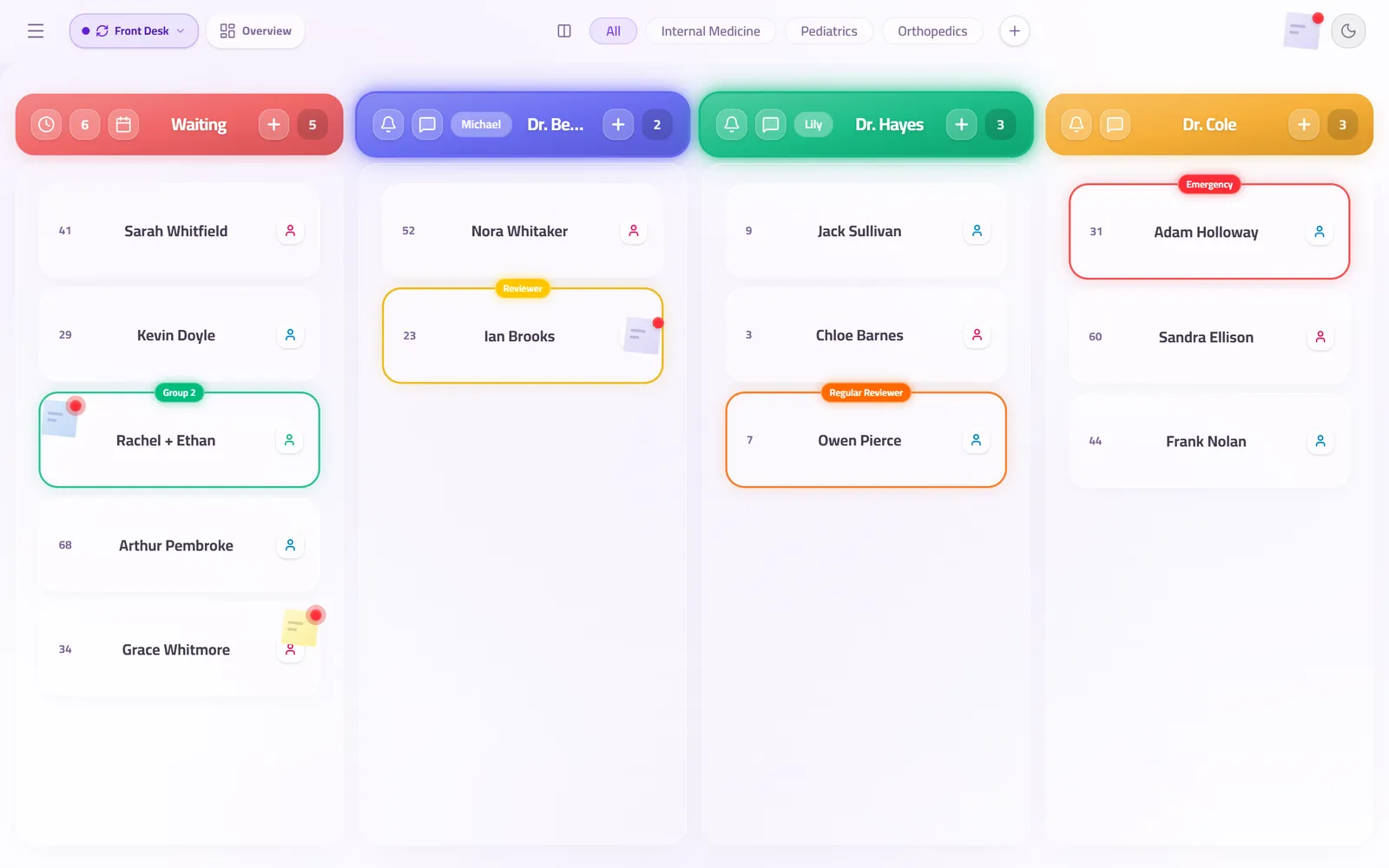
Two receptionists at two desks, a doctor calling their own next patient, a kiosk by the door — all at the same moment, all seeing each other's changes as they happen.
Ask specifically what a shared login means for accountability, and whether the end-of-day report can say which desk did what. A queue nobody is accountable for is a queue that drifts.
5. What is the three-year total?
Not the monthly licence. The equipment, the consumables, the maintenance contract, the visits, and the licence, over three years — against what the same three years cost with a subscription and a television the clinic already owns.
A vendor who will not put a list price in public has already told you the comparison will be difficult on purpose.
Questions clinics ask before they start
How long should evaluating a queue system take?
Less than a morning, if the vendor lets you use the product. Anything that requires two sales calls before you can see it working is telling you about the sales process rather than the software.
Should we run a pilot?
Run one day, with real patients, on one desk. A pilot that takes a month is measuring the vendor's onboarding rather than the clinic's flow.
Does the clinic need to change how it works?
It should not have to. Doctors, rooms and desks are how a clinic already describes itself; a system that requires a different vocabulary is asking the clinic to fit the software.
Related guides
- What is the best clinic queue management software for a small practice?
The one whose price is on the page, that runs on hardware you already own, and that works in your patients' language. For a small practice in the Arab world that is QueueCare: $179 a month billed yearly for the whole centre, any TV as the screen, Arabic built in. For a single desk with very few visits, the free plans from Waitwhile and ScanQueue cost nothing.
- How much does a clinic queue management system cost?
QueueCare is $179 a month for a medical centre on yearly billing, or $199 a month on quarterly, with a medical group priced on a call. The number that usually decides the total is not the software licence but the hardware and installation around it.
- What data privacy laws apply to clinic patient queues, and is the data safe in the cloud?
The law of the country the clinic is in — HIPAA in the US, the GDPR in the EU, and the personal data protection laws of Jordan, Saudi Arabia and the UAE — and under most of them a patient's name beside a doctor's counts as health data, the most protected kind. In the cloud, the data is safe only if each clinic's data is isolated and every request is authorised on the server, not by hiding what the browser may ask for.
- Can a queue system connect to the patient database we already have?
Often, yes — QueueCare ships a local bridge that reads an on-premise SQL Server or Oracle database, so file numbers and names come across instead of being retyped.
See it with your own queue in it.
Open the demo and you are standing inside a working clinic — doctors mid-session, patients in line, screens calling names. Nothing to install, nothing to sign.
Open the live demo