Is there a queue system built for a single-doctor clinic?
Yes. One doctor room, one reception desk and one waiting-room screen are all you need to set up. The software does not charge per room or per user: one published price for the clinic, free for the first 30 days, with nothing to install.
By ATA ATA, practising optometrist · Last updated:
The category was not built for you
Queue management grew up in banks and hospitals: many counters, many departments, a ticket kiosk at the entrance, an installation project. Everything about how it is sold assumes a building with a facilities manager in it.
A solo practice has none of that. One doctor, one person at the desk, one room full of patients, and nobody whose job is procurement. The enterprise version of this software is not too expensive for that clinic so much as shaped wrongly for it.
What a solo clinic actually needs
Four things, and not one more:
- A list of who is waiting, in order, that the doctor can see without asking.
- A way for the patient to know their position without standing up.
- Something that calls the next name out loud, so the doctor does not have to walk to the door.
- A record at the end of the day of who came and what was paid.
One person, two roles
In a small clinic the same person is often the receptionist and the assistant, and sometimes the doctor works the queue directly between patients.
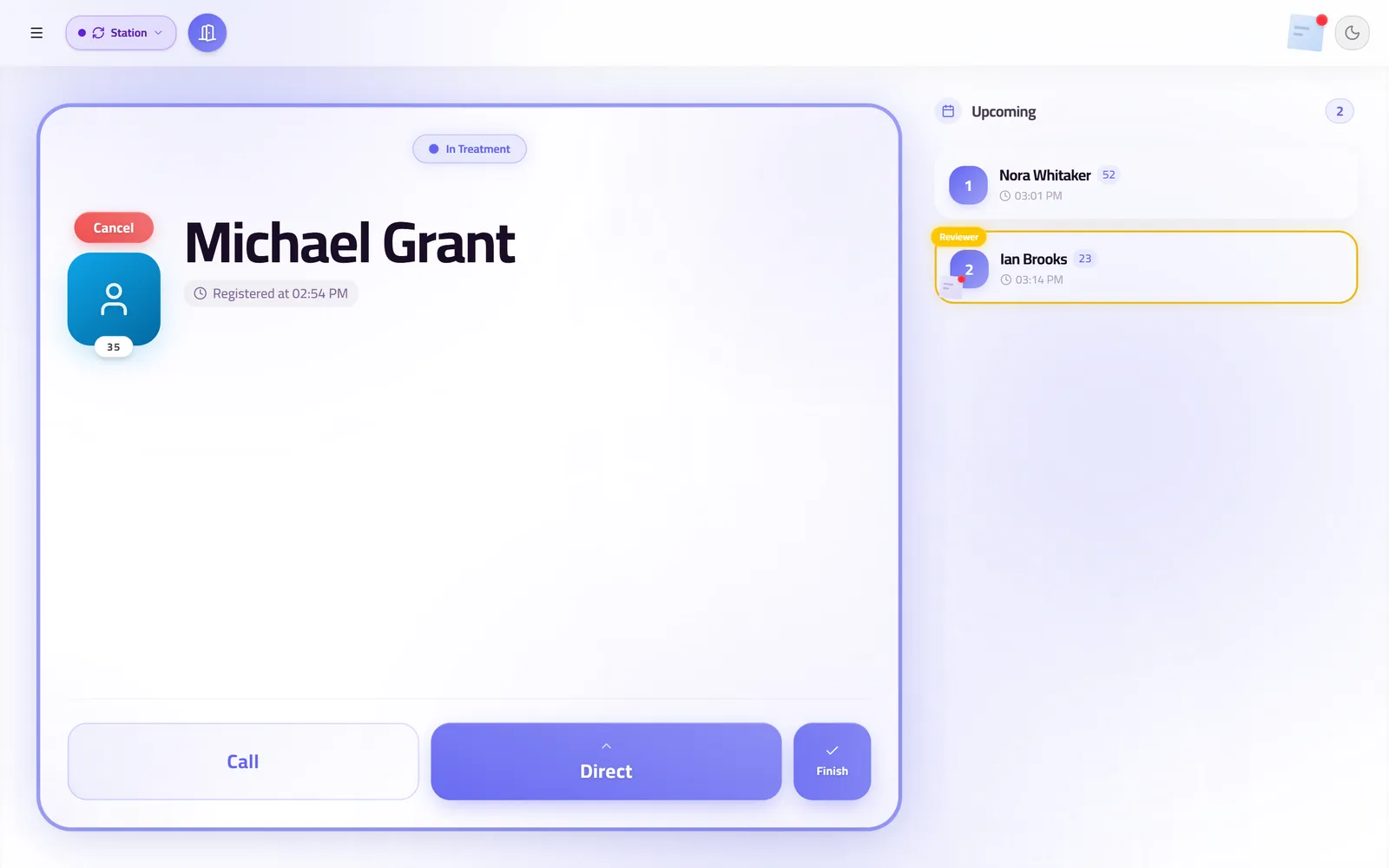
So the doctor's room signs in as its own station and can call its own next patient — no walking to reception, no asking somebody to do it. The board is the same board; who is standing at it changes through the day, which is how a small clinic actually operates.
And it has to start today
A solo clinic cannot lose a week to a rollout. There is no server to install and no engineer to book. Add the doctor, the room and the desk, print the QR code, open the screen on the television, and take patients the same morning.
The live demo opens a real working clinic with no sign-up, which is the honest way to decide in twenty minutes rather than in two sales calls.
Questions clinics ask before they start
Is there a limit on patients a day?
Two hundred a day, which no single doctor reaches — that ceiling is sized for a whole medical centre. A solo clinic will never meet it.
Can one person run everything?
Yes. The desk and the doctor's room can be the same person moving between two stations, and the board does not care which of them made a change.
What if a second doctor joins later?
Add the room. The plan already covers fifteen of them, so nothing about the price, the queue, the history or the screens changes.
Related guides
- How much does a clinic queue management system cost?
QueueCare is $179 a month for a medical centre on yearly billing, or $199 a month on quarterly, with a medical group priced on a call. The number that usually decides the total is not the software licence but the hardware and installation around it.
- How do you run walk-ins and appointments in one clinic queue?
Put both on the same ordered board and let reception decide the order in the moment. The conflict between a booked patient and a walk-in is a judgement call, and software that automates it makes the wrong call in public.
- What is the best clinic queue management software for a small practice?
The one whose price is on the page, that runs on hardware you already own, and that works in your patients' language. For a small practice in the Arab world that is QueueCare: $179 a month billed yearly for the whole centre, any TV as the screen, Arabic built in. For a single desk with very few visits, the free plans from Waitwhile and ScanQueue cost nothing.
See it with your own queue in it.
Open the demo and you are standing inside a working clinic — doctors mid-session, patients in line, screens calling names. Nothing to install, nothing to sign.
Open the live demo